
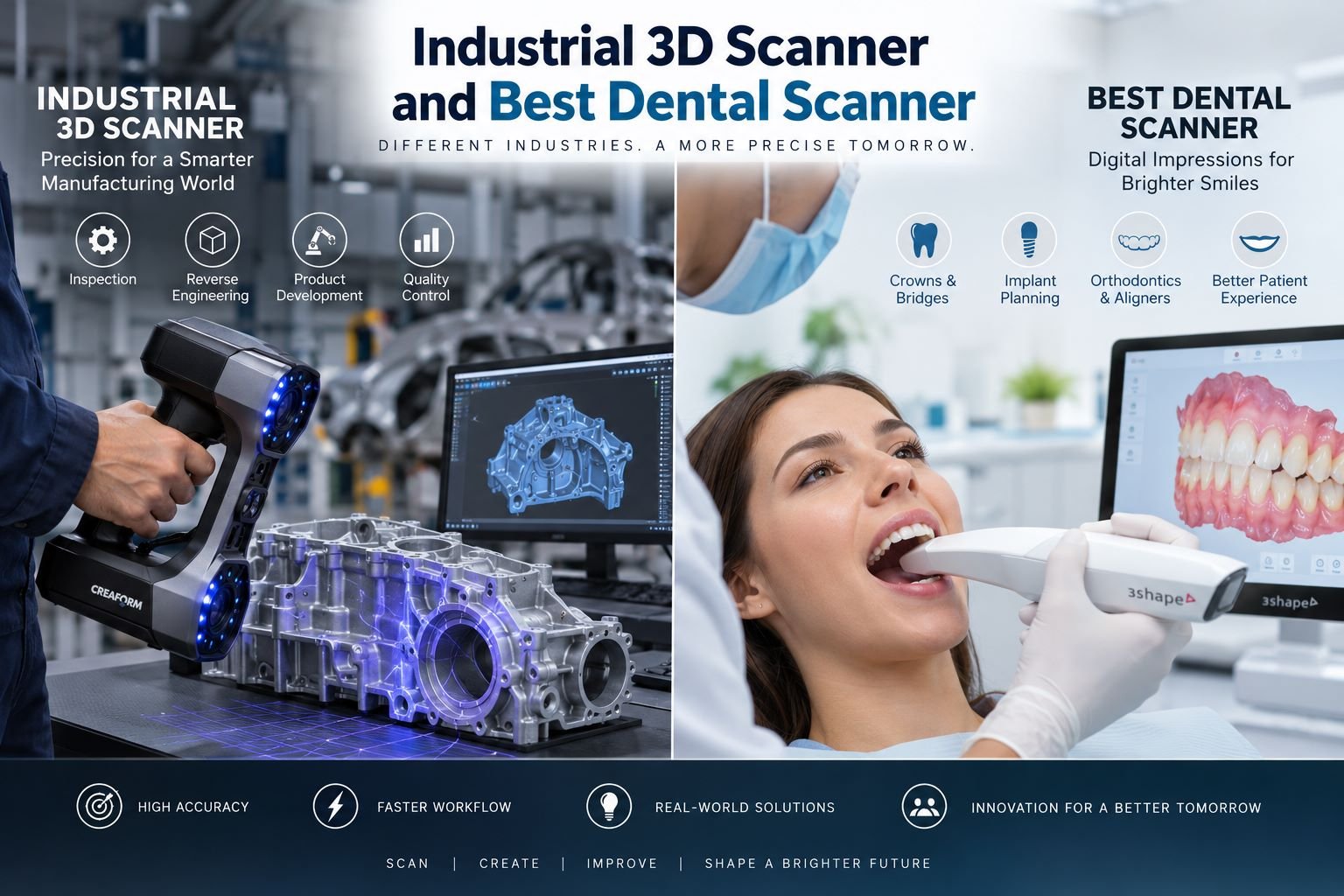
The Best Dental Scanner is designed for intraoral or laboratory workflows where speed, patient comfort, accuracy, and CAD/CAM compatibility matter.
Although both create three-dimensional data, their workflows and applications differ. Understanding those differences helps buyers invest more effectively.
What Is an Industrial 3D Scanner?
An industrial 3D scanner is a non-contact measurement system that captures the geometry of parts, tools, assemblies, molds, and complex surfaces. It may use structured light, laser triangulation, or other optical methods.
Industrial scanning creates point-cloud or mesh data for CAD comparison, reverse engineering, and dimensional inspection. Full-field data can reveal deviations across complex surfaces.
Common applications include:
- Automotive and aerospace inspection
- Mold and tooling validation
- Reverse engineering of legacy parts
- Additive manufacturing verification
- Digital twin creation
- Product design and prototyping
- Maintenance and wear analysis
An industrial 3D scanner is especially valuable for freeform or highly detailed geometry.
What Makes the Best Dental Scanner Different?
The Best Dental Scanner is optimized for dental anatomy. Intraoral scanners capture teeth, gums, bite relationships, and preparation margins directly inside the mouth, creating digital impressions for restorative, orthodontic, implant, and planning workflows.
Digital impressions can provide real-time visualization, selective rescanning, faster laboratory communication, and improved patient comfort. Research also shows that scanner accuracy can vary by device, scanning situation, arch length, operator technique, and clinical conditions.
A strong dental scanning system should provide:
- Reliable trueness and precision
- Fast image acquisition
- Comfortable scanner-tip dimensions
- Accurate surface capture
- Practical file export
- Dental CAD/CAM integration
- Efficient hygiene workflows
- Responsive technical support
Industrial 3D Scanner vs Dental Scanner
| Feature | Industrial 3D Scanner | Best Dental Scanner |
| Main purpose | Inspection, engineering, reverse engineering | Digital impressions and dental workflows |
| Typical subjects | Parts, molds, machinery | Teeth, gums, arches, implants |
| Environment | Factory, lab, workshop | Dental clinic or laboratory |
| Output | Point cloud, mesh, CAD-ready data | Digital impression, STL/PLY/OBJ |
| Key priority | Metrology and surface coverage | Accuracy, speed, comfort, workflow |
| Software focus | Inspection and CAD comparison | Restorative, orthodontic, implant CAD/CAM |
The right choice depends on task, object size, tolerance, workflow, and required output.
How to Choose an Industrial 3D Scanner
Before purchasing an industrial 3D scanner, define the smallest feature you must capture and the tolerance you need to verify. Specifications should match the real measurement requirement.
Evaluate:
- Part size and working volume
- Accuracy and volumetric accuracy
- Resolution and point spacing
- Reflective-surface performance
- Portability and durability
- Calibration requirements
- Scanning speed
- CAD and inspection compatibility
- Training and after-sales service
Lighting, temperature, surface finish, calibration, and operator technique can influence real-world measurement performance. Testing your own production parts is more useful than relying only on a brochure.
How to Select the Best Dental Scanner
Choose the Best Dental Scanner around the treatments performed most often. A clinic focused on crowns and bridges may prioritize rapid scanning and margin clarity, while implant or full-arch workflows may demand stronger performance across longer scan spans.
Test the scanner with realistic cases:
- Single crowns and bridges
- Full-arch scans
- Implant scan bodies
- Orthodontic cases
- Edentulous arches
- Bite registration
- Laboratory communication
Research shows that intraoral scanner performance differs across devices and indications. Full-arch and edentulous scanning can be more challenging than smaller localized scans, making application-specific testing important.
Why Software Matters as Much as Hardware
A scanner is only one part of the workflow. Software determines how easily you clean data, align surfaces, measure deviations, export files, create reports, or transfer cases into downstream CAD/CAM systems.
For an industrial 3D scanner, look for inspection tools, CAD comparison, GD&T support, mesh processing, automated reporting, and reverse-engineering compatibility.
For the Best Dental Scanner, examine patient management, margin tools, bite alignment, laboratory connectivity, treatment simulation, and integrations with milling or printing workflows.
Good software reduces manual steps and expands daily usefulness, while improving consistency across teams and repeated projects.
FAQs
1. What is an industrial 3D scanner used for?
It captures geometry for inspection, reverse engineering, quality control, design, prototyping, and digital manufacturing.
2. Can an industrial scanner create CAD files?
It usually produces point-cloud or mesh data that can be converted into CAD through reverse-engineering software.
3. Is higher resolution always better?
No. Resolution should match feature size, tolerance, scan area, and processing requirements.
4. What defines the Best Dental Scanner?
The right system combines suitable accuracy, fast scanning, comfortable handling, dependable software, and workflow integration.
5. Are dental scanners accurate for full arches?
Many can produce reliable scans, but performance varies by scanner, case type, scan strategy, and clinical conditions.
6. Can dental scanners replace traditional impressions?
They can replace conventional impressions in many workflows, although some situations may still require alternative techniques.
7. What file formats should I consider?
STL is widely used; PLY and OBJ may retain color or texture when supported.
8. Do industrial scanners work on shiny surfaces?
Many modern systems perform better on reflective materials, but difficult surfaces may still require specific techniques or preparation.
9. How important is scanner training?
Training improves scan quality, productivity, consistency, and repeatability.
10. Should I buy based only on accuracy specifications?
No. Consider software, workflow, speed, support, calibration, compatibility, operating cost, and performance on real applications.